Preserve the Business, Modernize the Stack: What We Learned From 15+ Retail Media Migrations
.png)
SEO title:
Retail Media Platform Migration: 6 Lessons From 15+ Migrations | Topsort
Meta description:
Learn six lessons from 15+ retail media platform migrations, including campaign continuity, historical data, validation, rollback, and controlled cutover.
Preserve the Business, Modernize the Stack: What We Learned From 15+ Retail Media Migrations

Retailers don’t migrate retail media platforms because they want the same technology in a different place. A retail media platform migration happens because the infrastructure underneath the business needs to evolve.
The challenge is making that modernization invisible where it should be invisible. Advertisers should not have to rebuild their business from scratch. Campaign structures and agreed operating state should carry forward correctly. But underneath that continuity, the retailer should emerge with better infrastructure and a more advanced operating model.
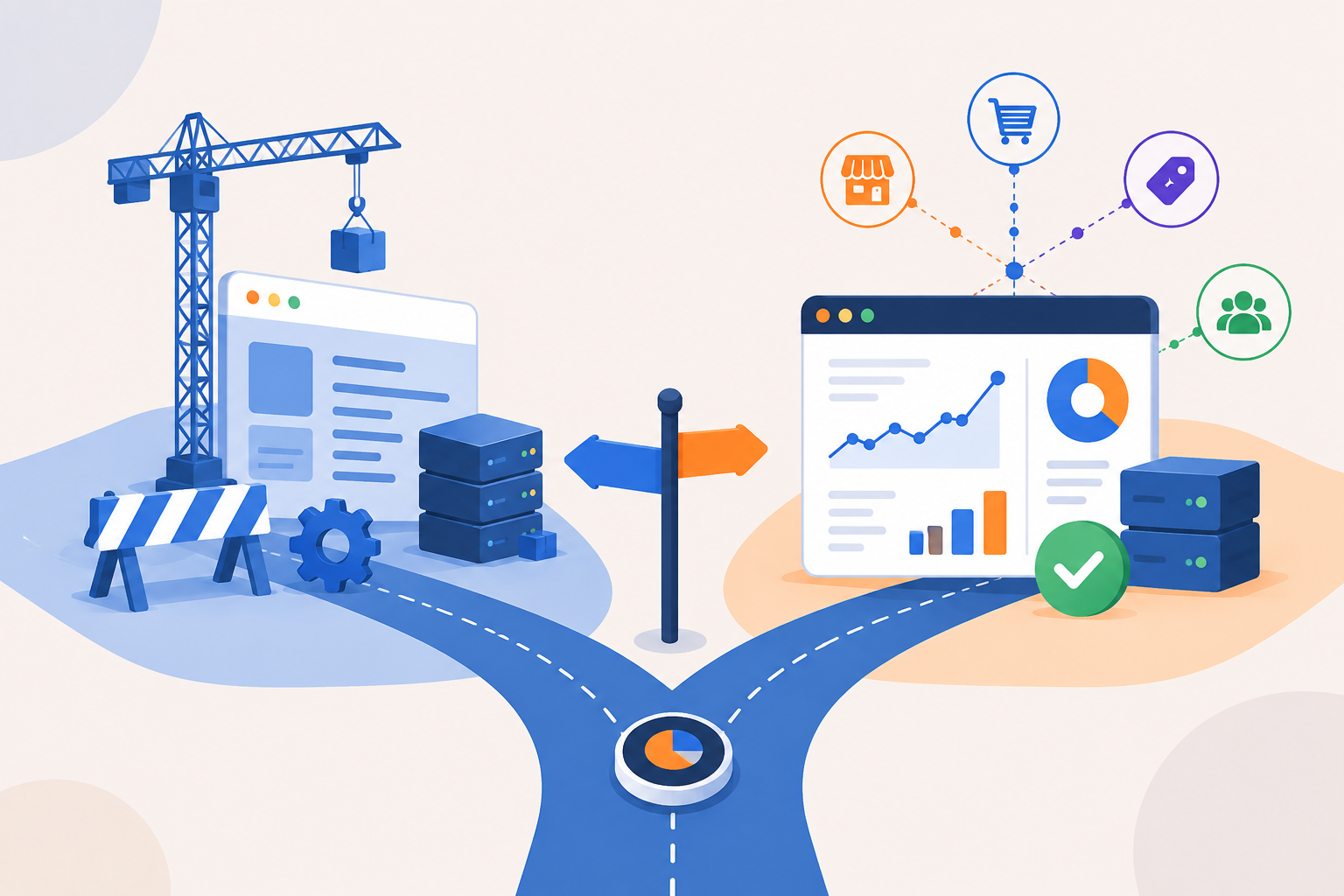
After over 15 retail media migrations, that has become central to how we think about migration at Topsort: Preserve what should not change. Modernize what should.
The point is not simply to reproduce yesterday's retail media program on a new platform; it is to preserve the business while giving it a foundation built for product-aware auctions, closed-loop measurement, automation, and future expansion.
1. Preserve the Business, Not the Limitations of the Old Stack
A retailer may want to preserve years of campaign history, advertiser relationships, budgets, bids, catalog data, and reporting continuity. But preserving that business state does not mean recreating the old platform exactly as it was.
In one enterprise migration, the retailer had used its previous provider for four years and wanted vendors to retain access to that history. The migration therefore had to carry forward catalog information, campaign configurations, performance metrics, and roughly 36 GB of historical campaign and metrics data, even though the source platform’s data model was fundamentally different from Topsort’s.
From the advertiser’s perspective, the transition should feel familiar. From the retailer’s perspective, the infrastructure underneath it should be meaningfully better.
The business keeps its campaign history, advertiser continuity, and the campaign state that matters to ongoing operations. But it can leave behind years of platform-specific workarounds and move toward a cleaner foundation with better validation, more flexible data flows, and infrastructure that is easier to evolve.
The business state should carry forward. The constraints should not.
2. Migrate business meaning, not just data
Different platforms model campaigns, budgets, bids, sellers, and reporting differently. That makes migration more than a field-to-field import.
A campaign with a $10,000 lifetime budget that has already spent $7,800 cannot simply be recreated with a fresh $10,000 budget. The record may look right, while the business state is wrong.
In many migrations we’ve done, source data had to be translated across campaigns, bids, behavior data, budgets, catalog information, and vendor mappings.
So the question is not simply, Did the data move? It is: Does the business behave correctly once it gets there? That distinction is also why campaign migration and historical-data migration need to be treated as deliberate parts of the overall transition rather than as a simple database copy.
3. Rehearse and validate before production
Production should not be where a migration team discovers its assumptions were wrong.
In one migration, we started with one month of historical data, moved to a subset of vendors, then ran a full migration rehearsal before the production cutoff and final data delta.
At the same time, validation had to scale beyond manually checking campaigns one by one. A shared Data Room allowed the retailer to inspect transformed data before it entered production and reconcile it against the source system. That gives teams a scalable way to validate the things that matter at scale: campaign counts, budgets, vendor mappings, bid states, and historical performance.
By launch day, the migration should be something the team has already practiced and validated.
This staged approach also fits into Topsort’s broader integration process, where testing and validation happen before production traffic is fully moved.
4. Run the Old and New Systems in Parallel
One of the safest ways to achieve a zero-downtime migration is to avoid making the cutover a leap of faith.
In one migration, campaigns were mirrored in Topsort while the existing platform remained live. That allowed both systems to run in parallel while campaign configurations, catalog integrations, and auction behavior were validated on the new stack.
The advantage is simple: the business does not have to stop while the migration is being tested. Active campaigns can keep running, advertisers can continue operating, and shoppers can continue seeing sponsored placements while the new platform is proven in real conditions.
Parallel operation also gives teams a window to compare behavior between the old and new systems, identify discrepancies, and fix them before production traffic moves.
By the time the final cutover happens, the new platform has already been tested against the live business. That is what turns a migration from a risky switch into a controlled, zero-downtime transition.
5. Validate Performance, Not Just Migrated Data
A migration can be technically correct and still fail the business.
Campaigns and historical data may migrate correctly while auction latency, sponsored listing coverage, or the shopper experience changes in production. That is why validation has to include both migrated state and live system performance.
In one large marketplace migration, thousands of active campaigns and more than a year of reporting history were migrated while the team also validated auction behavior and response times. Once the new stack had been proven, the marketplace moved directly to 100% traffic while maintaining sub-50ms auction latency.
The real test is not just: Did the data move? It is: Does the new system perform correctly under real marketplace conditions?
6. Reduce cutover to a controlled delta
Retail media businesses keep changing while a migration is underway. Advertisers update bids. Budgets move. Campaigns pause and restart. Products enter and leave the catalog.
So instead of freezing the business for a long migration window, we migrate and validate the historical state in advance, establish a cutoff, and then synchronize the remaining delta. That pattern was built directly into the migration timeline: rehearsal first, production cutoff second, final data delta and latest-state snapshot last.
The result is a smaller, more controlled cutover.
The best migration is boring on launch day, and better the day after
On launch day, advertisers should encounter continuity where it matters: their migrated campaigns are available, agreed campaign state is correct, and historical reporting remains accessible when historical-data migration is in scope..
The value shows up after the transition. The retailer now has a modernized foundation from which to evolve its retail media business, rather than continuing to work around the limitations of the previous stack.
That is ultimately what migration should accomplish:
Preserve continuity through the transition. Modernize the infrastructure underneath it. And create a better operating model on the other side.
FAQ
What is a retail media platform migration?
A retail media platform migration is the process of moving a retailer’s advertising business from one technology provider to another. It can include campaign structures, budgets, bids, catalog data, vendor mappings, and historical performance data.
The goal is not just to move records, but to preserve the business meaning behind them in the new platform.
What data can be migrated when switching retail media platforms?
Depending on the migration scope, retailers can migrate campaign configurations, catalog data, advertiser or vendor mappings, budgets, bids, campaign state, and historical performance data.
Historical-data migration may be handled separately from campaign migration.
Do advertisers need to rebuild campaigns after a migration?
Not necessarily. A well-designed migration should minimize the work advertisers need to redo.
Campaign structures and the operating state required for continuity can be migrated, while legacy platform-specific constraints can be left behind.
How do you reduce risk during a retail media migration?
Risk can be reduced through staged rehearsals, dedicated migration environments, automated validation, and data reconciliation before production.
Teams can test smaller datasets first, run full migration rehearsals, and resolve discrepancies before the final cutover.
How can retailers minimize downtime during migration?
Historical data can be migrated and validated in advance, followed by a cutoff and synchronization of the remaining changes.
This keeps the final production cutover smaller and more controlled.
What should a successful retail media migration achieve?
A successful migration should preserve continuity for advertisers while giving the retailer better infrastructure underneath the business.
The objective is to preserve the business state that matters, maintain reporting continuity where required, and create a foundation that is easier to operate, validate, and evolve.
Planning a retail media platform migration? Talk to a Topsorter to learn more about Topsort’s approach.
.png)
.png)